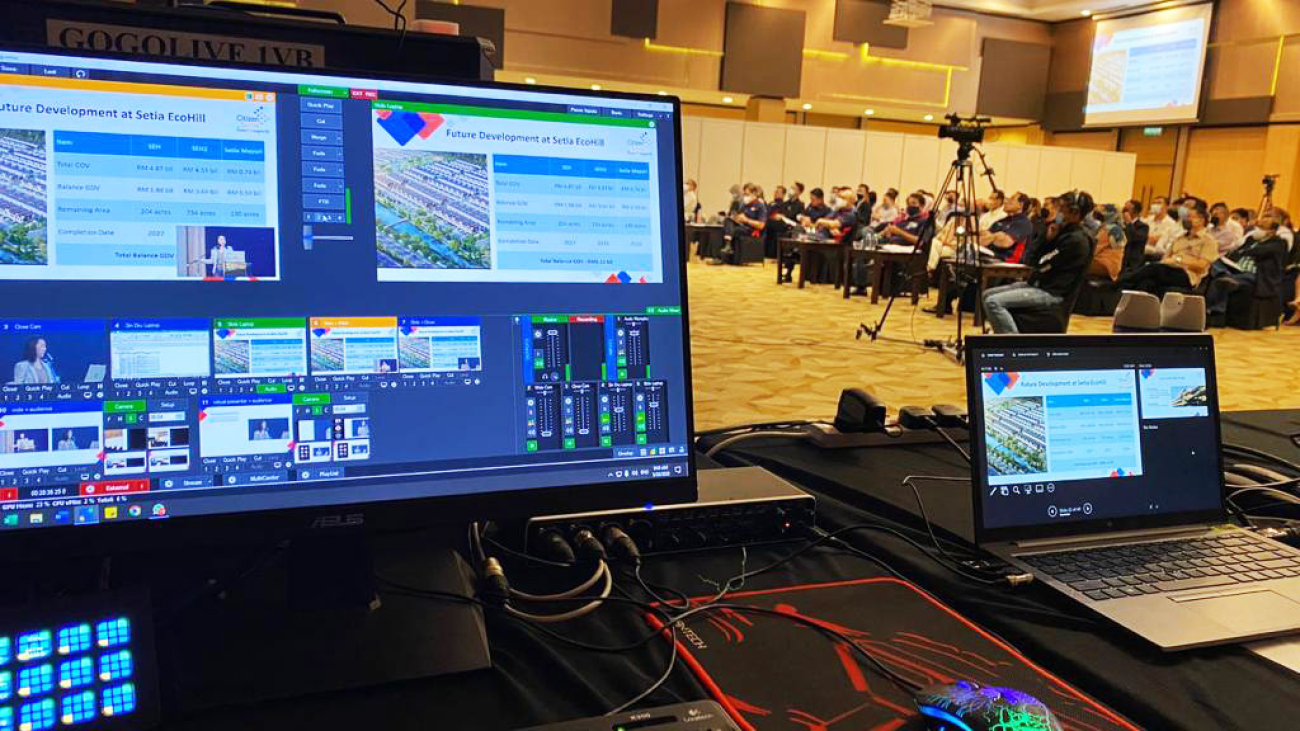
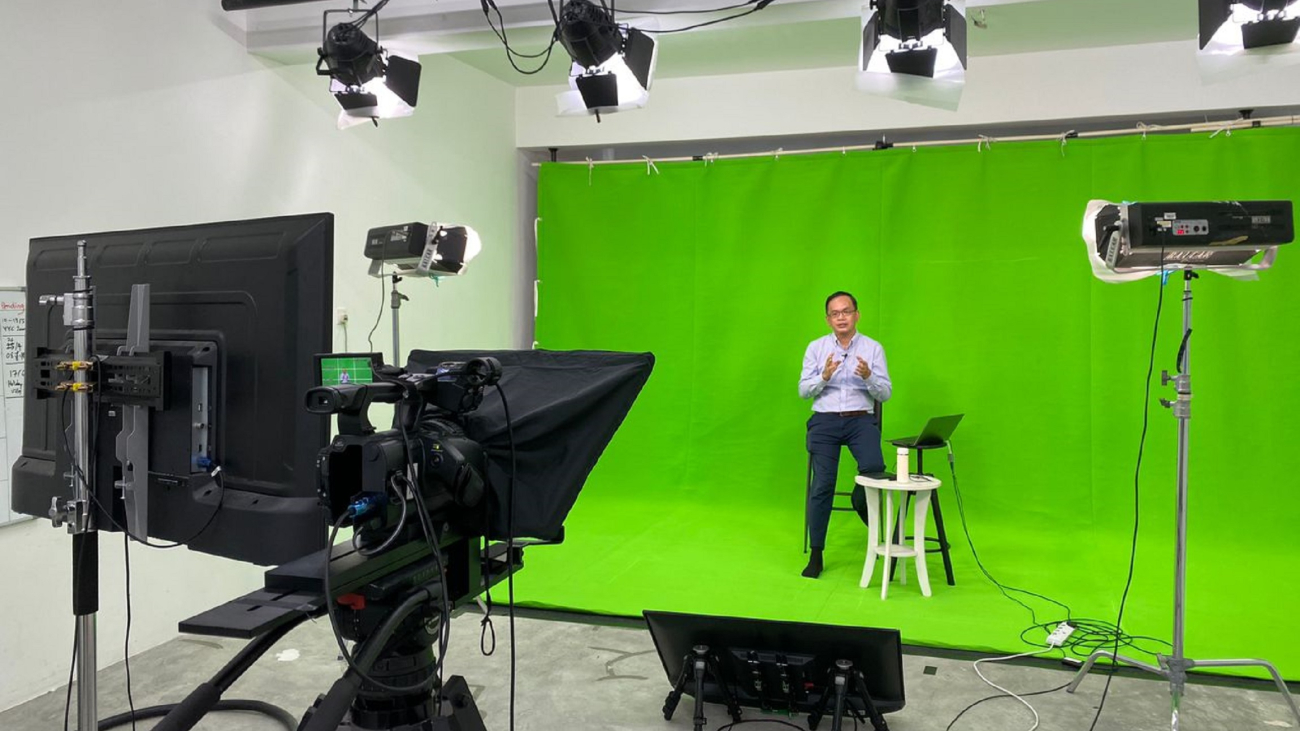
Live streaming has become increasingly popular in recent years in Singapore and globally, allowing individuals and businesses to connect with their audience in real-time. Whether it’s a live concert, a gaming session, or a company webinar, live streaming offers a unique and immersive experience for viewers. However, to ensure the success of your live stream, it is essential to understand and follow a well-structured production process. In this guide, we will walk you through the steps involved in the live streaming production process, from pre-production to post-production, to help you deliver engaging and impactful live streams.
1. Pre-production Phase:
The pre-production phase is the foundation of a successful live stream. It involves careful planning and preparation to ensure a seamless execution. Here are the steps involved:
Step 1: Identify your goals and target audience:
Before diving into the production process, it’s crucial to define your goals for the live stream. Are you looking to educate, entertain, or promote a product? Understanding your goals will help shape the content and format of your live stream. Additionally, consider your target audience and their preferences to tailor your content accordingly.
Step 2: Plan your content and create a script or outline:
Once you have identified your goals, it’s time to plan the content of your live stream. Outline the topics you want to cover, the order in which you will present them, and any visual aids or demonstrations you may need. Creating a script or outline will help you stay organized and deliver a smooth live stream.
Step 3: Prepare necessary equipment:
To produce a high-quality live stream, you need the right equipment. Invest in good cameras, microphones, and lighting to ensure clear audio and video. Test your equipment before the live stream to ensure everything is working properly and make any necessary adjustments.
Step 4: Select a suitable location:
Choosing the right location for your live stream is essential. Consider the background, lighting conditions, and noise levels. A clutter-free and well-lit area with minimal background noise will enhance the viewer experience. If you’re streaming from a remote location, ensure a stable internet connection to avoid interruptions.
2. Production Phase:
The production phase is where the magic happens. It involves setting up the equipment, ensuring a stable internet connection, and engaging with your audience. Follow these steps for a smooth production phase:
Step 1: Set up your equipment and test audio/video quality:
Before going live, set up your cameras, microphones, and lighting as planned. Test the audio and video quality to ensure everything is working correctly. Make any adjustments necessary to achieve optimal audio and video clarity.
Step 2: Ensure stable internet connectivity:
A stable internet connection is crucial for a seamless live stream. Use a wired connection if possible, as it offers more reliability than a wireless connection. Check your internet speed and bandwidth to ensure it can handle the live stream without buffering or lag.
Step 3: Engage with your audience:
Engagement is key to keeping your viewers interested and involved during the live stream. Consider incorporating interactive elements such as Q&A sessions, polls, or live chat. Encourage your audience to participate and address their questions or comments in real-time. This will create a sense of community and make the live stream more enjoyable for everyone.
Step 4: Start broadcasting according to your planned content:
Once everything is set up and you’ve engaged with your audience, it’s time to start broadcasting. Stick to your planned content and maintain a steady pace throughout the live stream. Be mindful of time constraints and avoid unnecessary delays or distractions.
3. Live Broadcasting:
The live broadcasting phase is where you deliver your content to your audience in real-time. It requires attentiveness and the ability to adapt to unforeseen circumstances. Here are the steps to ensure a successful live broadcast:
Step 1: Monitor audio/video quality throughout the broadcast:
Continuously monitor the audio and video quality during the live stream. Keep an eye on audio levels to ensure everyone can hear clearly. Check the video feed for any glitches or issues. If any problems arise, address them promptly to maintain a smooth broadcast.
Step 2: Interact with viewers through comments and questions in real-time:
Engage with your viewers by responding to their comments and questions in real-time. This interaction not only makes the viewers feel valued but also helps create a sense of community. Encourage viewers to share their thoughts and opinions, and make sure to address as many comments as possible.
Step 3: Have a backup plan ready in case of technical difficulties:
Despite careful planning, technical difficulties can still occur during a live stream. It’s essential to have a backup plan in place to minimize disruptions. Consider having a spare microphone, camera, or even an alternative location with a stable internet connection as a contingency plan. This way, you can quickly switch to the backup plan if needed, ensuring a seamless live stream experience for your audience.
4. Post-production Phase:
The post-production phase allows you to enhance the final live stream product. It involves reviewing and editing recorded footage, adding graphics or overlays, and repurposing content for future use. Follow these steps for an enhanced post-production phase:
Step 1: Review and edit recorded footage if necessary:
After the live stream, take the time to review the recorded footage. Look for any parts that need editing, such as technical glitches, awkward pauses, or irrelevant content. Trim or remove these sections to create a more polished final product.
Step 2: Add graphics, overlays, or subtitles to enhance visual appeal:
To make your live stream visually appealing, consider adding graphics, overlays, or subtitles during the post-production phase. These elements can help highlight key points or add a professional touch to your live stream. Use video editing software to seamlessly integrate these visual enhancements.
Step 3: Consider repurposing live stream content for future use:
Don’t let your live stream content go to waste after the initial broadcast. Consider repurposing it for future use. You can create shorter highlights or snippets to share on social media, turn it into a podcast episode, or even use it as a reference for future presentations or webinars. Repurposing your live stream content allows you to maximize its value and reach a wider audience.
Conclusion:
The live streaming production process can seem overwhelming at first, but by following a structured approach, you can deliver successful and engaging live streams. The pre-production phase sets the foundation by defining goals, planning content, and preparing equipment. The production phase involves setting up equipment, ensuring internet connectivity, and engaging with the audience. During the live broadcasting phase, monitor audio/video quality and interact with viewers in real-time. Finally, the post-production phase allows you to enhance the final product by reviewing and editing recorded footage and repurposing content for future use. By adhering to these steps, you’ll be well-equipped to deliver impactful live streams that captivate and engage your audience. Happy streaming!